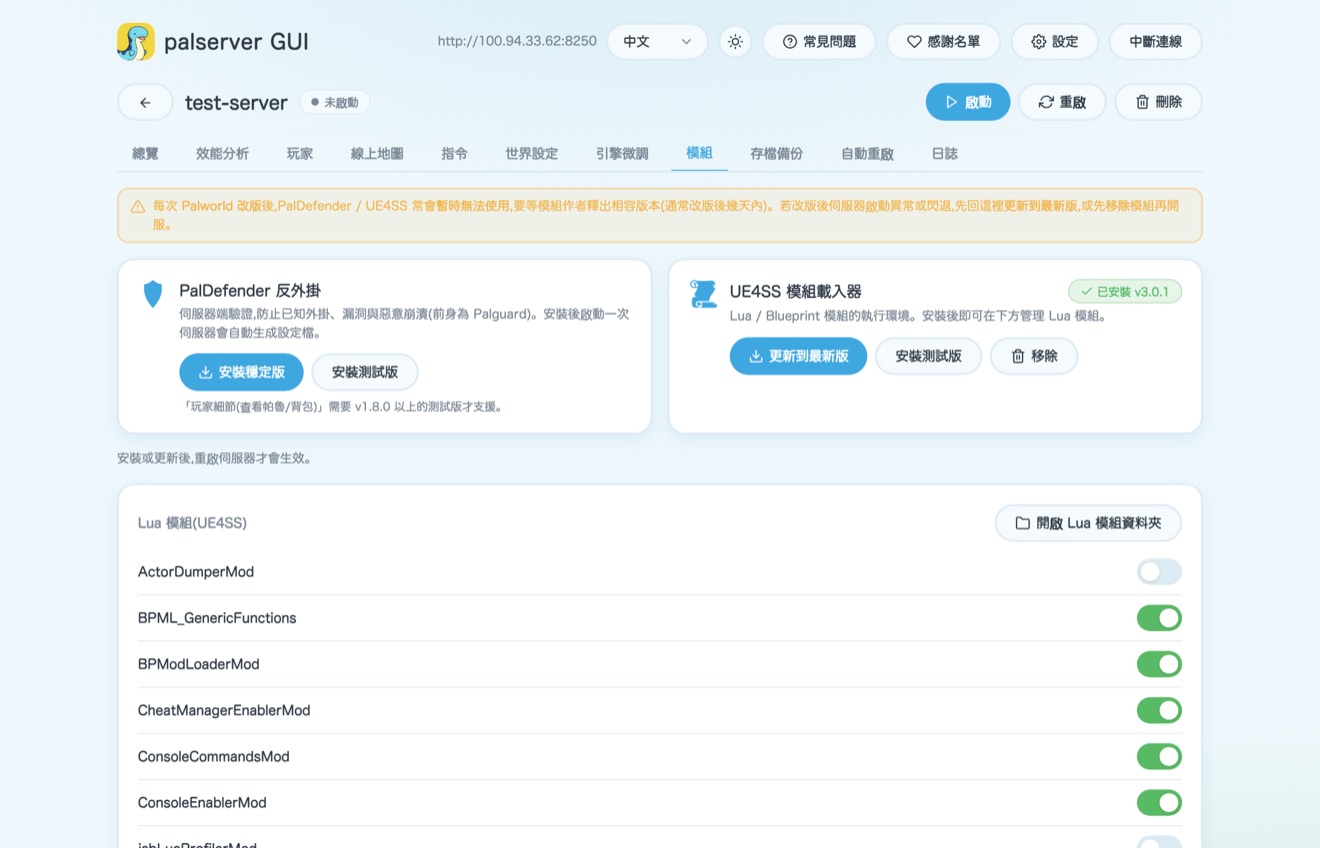
Getting started
Host a Palworld server for your friends.
Host it yourself — no monthly fee, no command line, and friends can join in about five minutes.
Download & open palserver GUI
Grab it from palserver-gui.iosoftware.ai and double-click to open — it's a regular desktop app, no terminal or command line required.
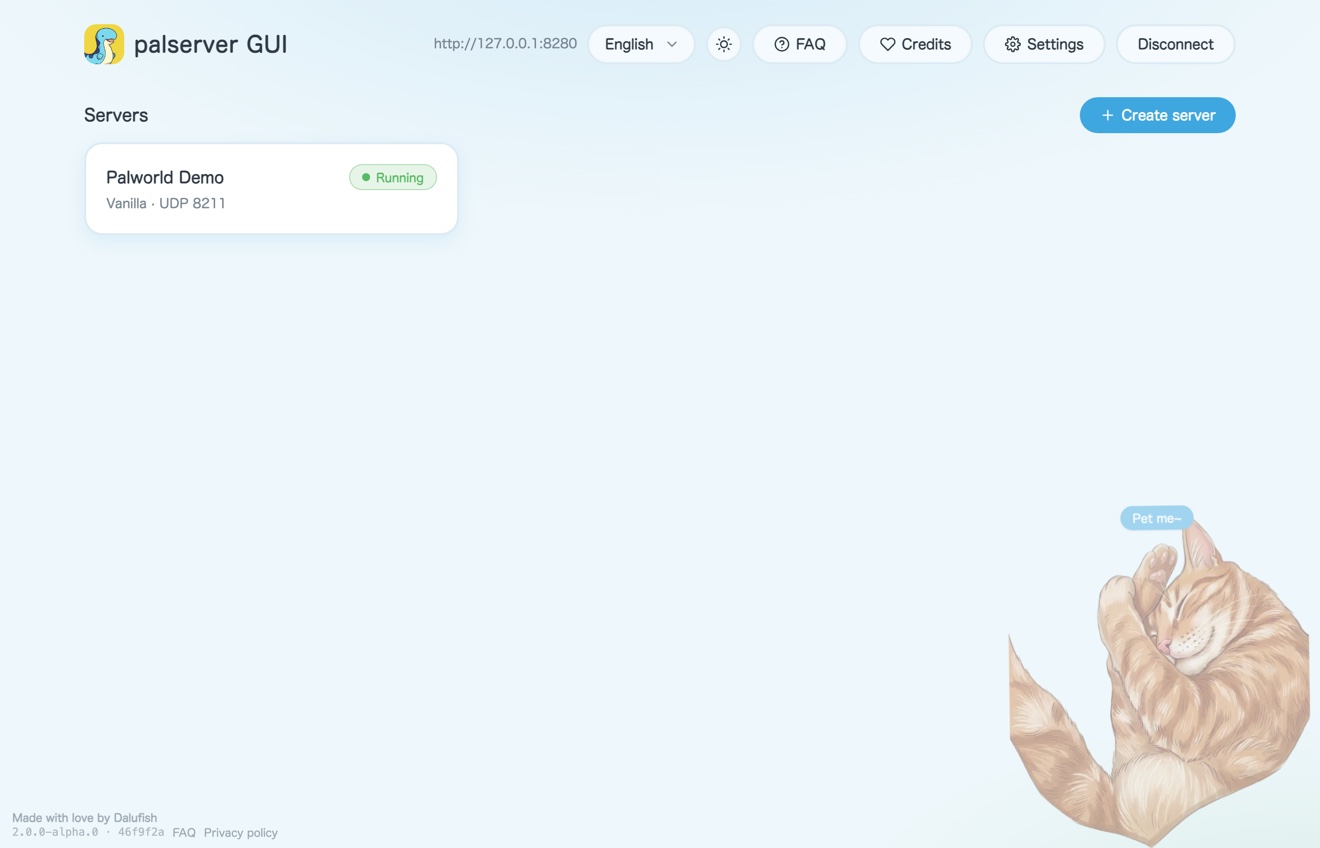
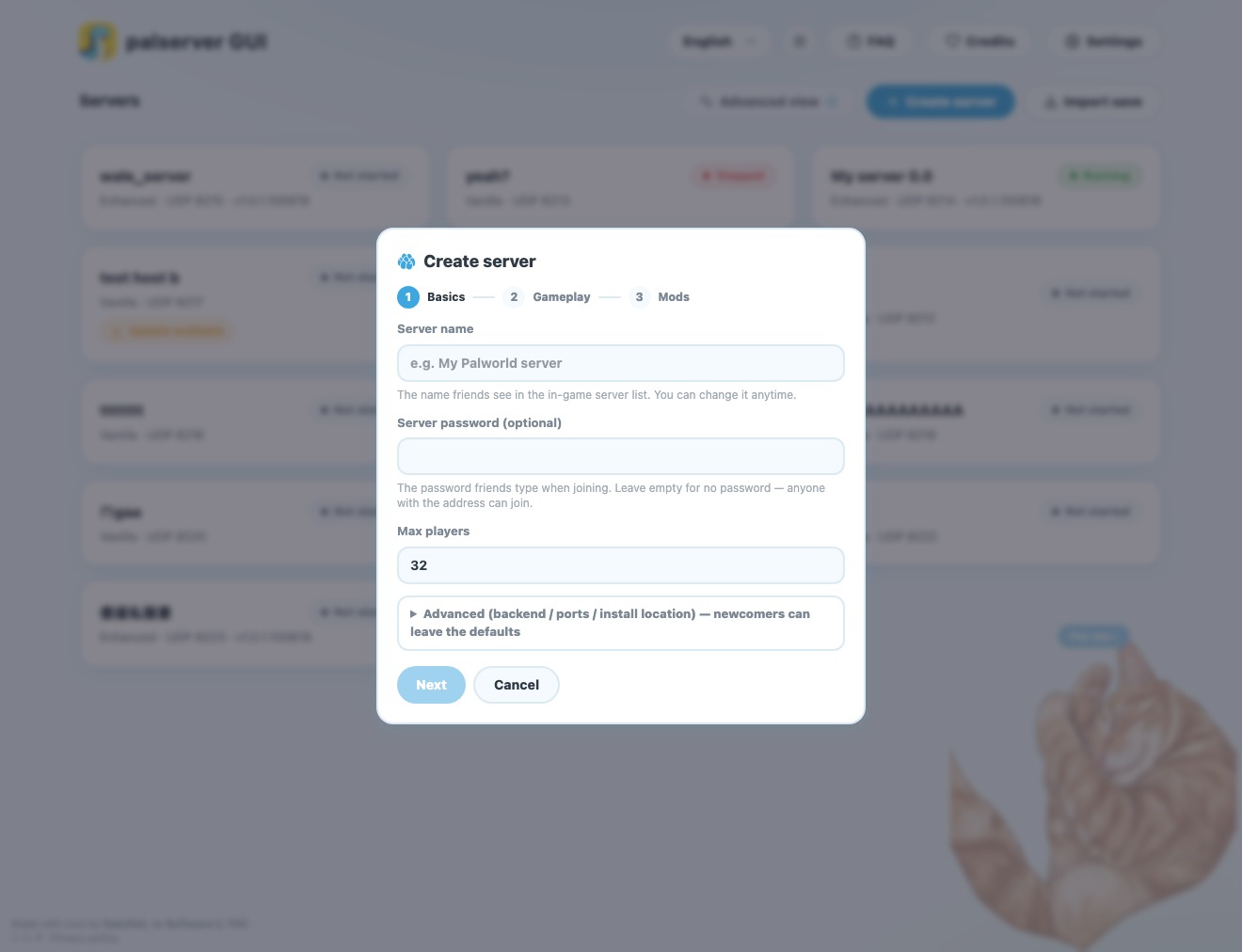
Create your server
Click "Create Server" and follow the wizard — it downloads and configures the Palworld dedicated server for you, no SteamCMD required. Name it, pick your settings, and start it up.
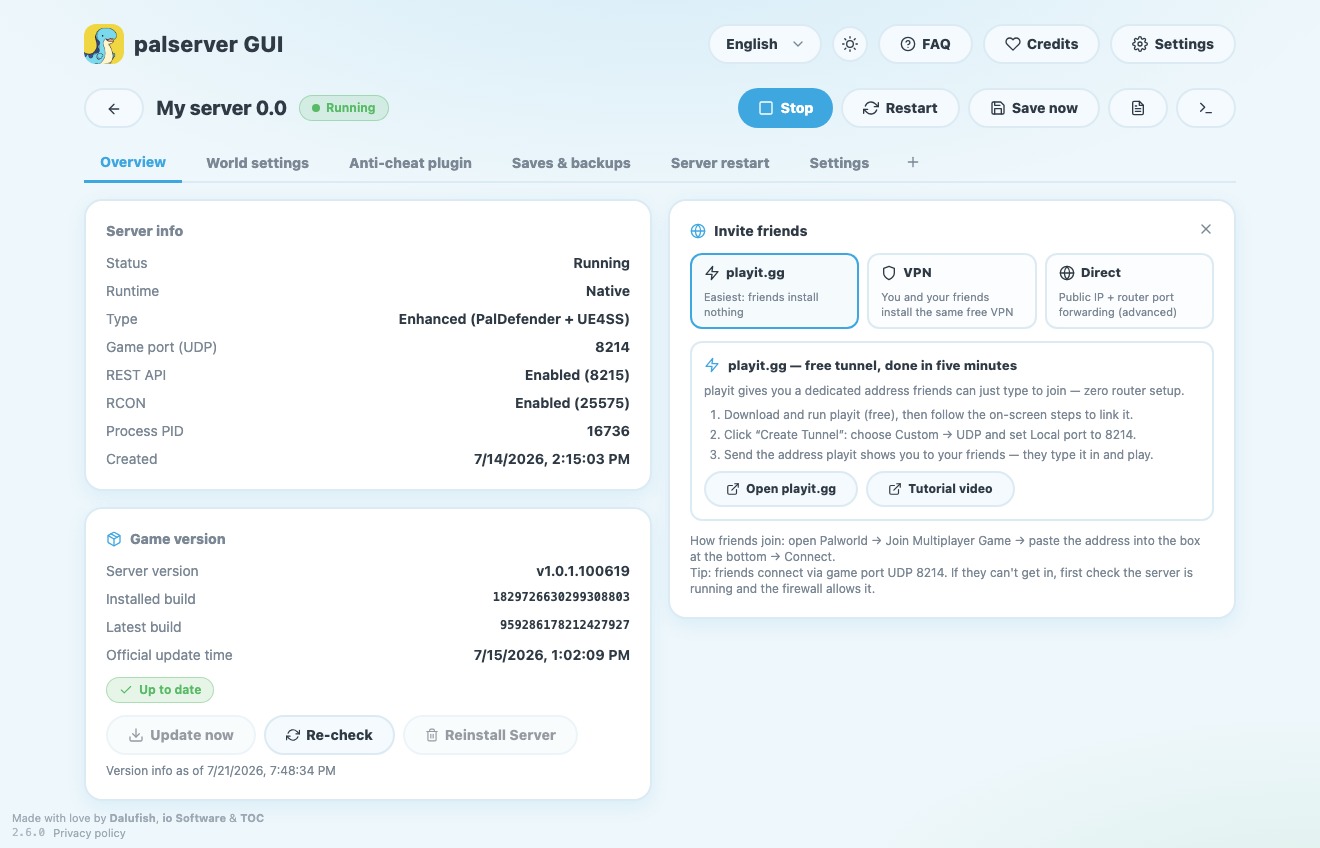
Let your friends join
Built-in playit.gg means no port forwarding. Grab the invite address and send it over — your friend picks "Join by IP" in Palworld, pastes it in, and they're in. You never have to touch your router.
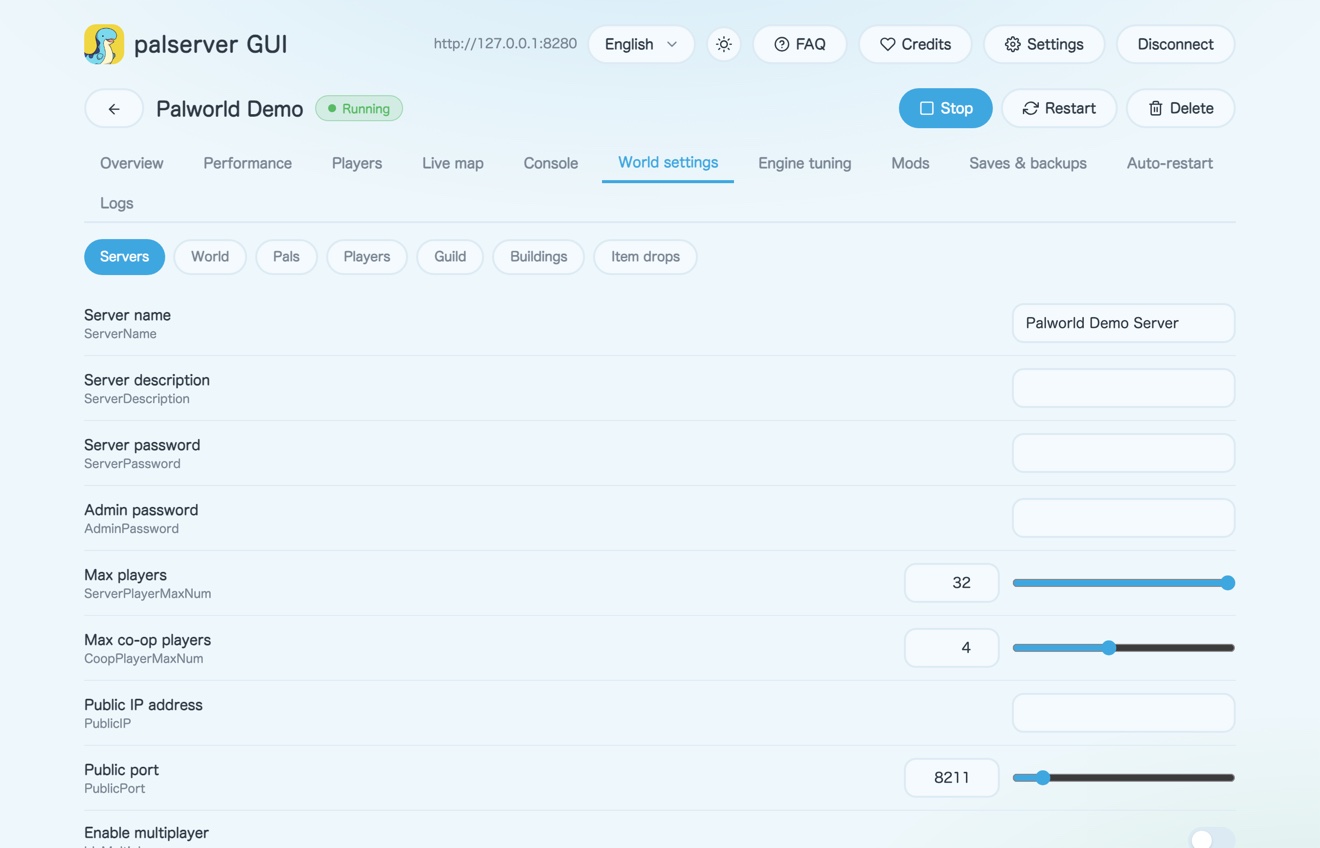
Tune your world
Difficulty, XP rates, world rules and engine tuning are all adjustable right in the UI, with plain-language hints — no opening a .ini file to hand-edit values.
Mods & day-to-day upkeep
Toggle mods on and off right in the app without deleting files, back up your save in one click, and get warned when a Palworld update is likely to break a modded server.