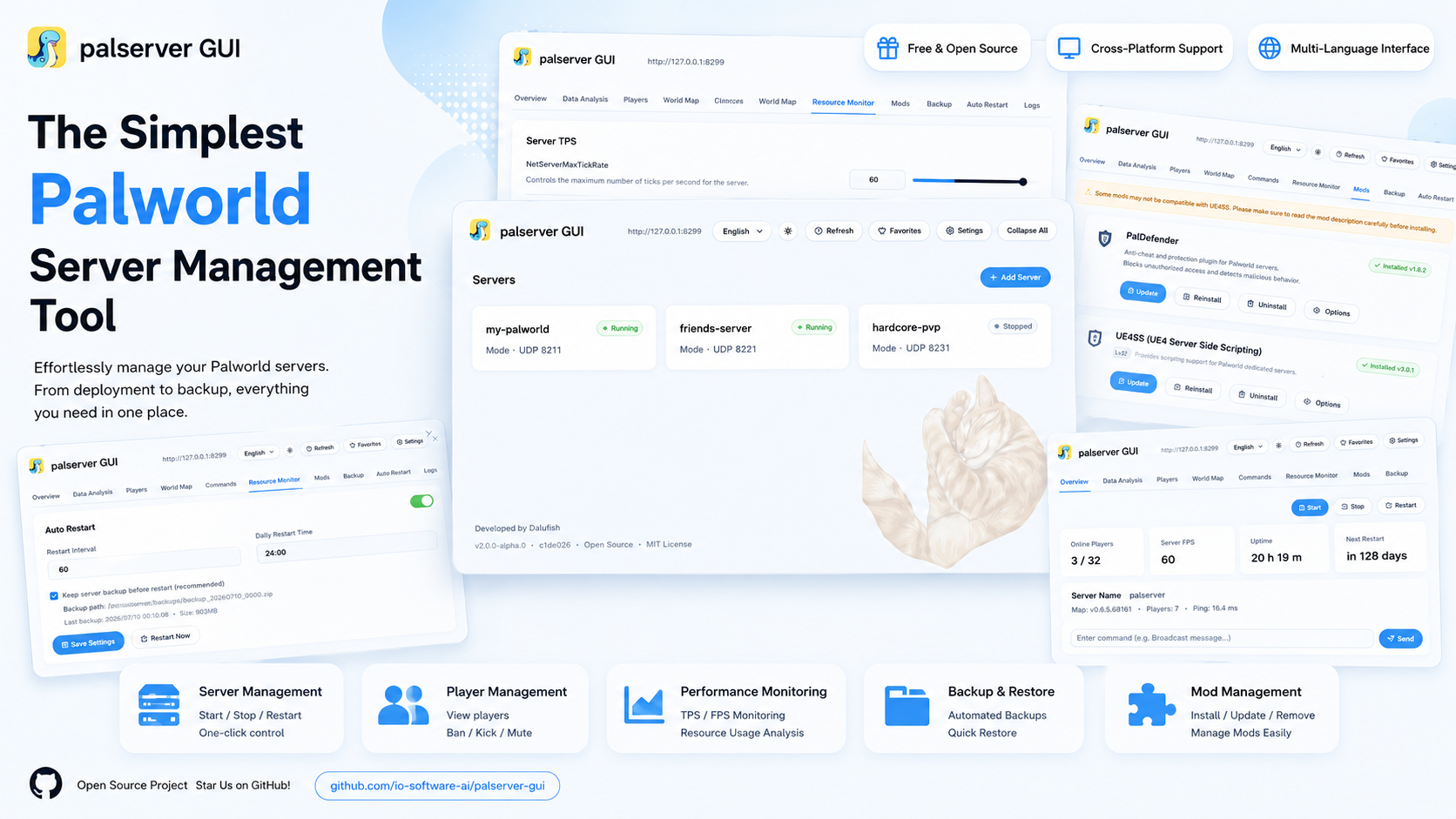
Why you need it
Running a dedicated server should not be a nightmare.
Endless config files, commands to memorize, friends stuck at "can't connect", a game update that corrupts your save, a 3 a.m. crash with nobody to fix it — none of this is "set it and forget it". palserver GUI folds every one of these into a clean interface: simple enough for beginners, powerful enough for veterans.
Understand it in a minute
Open a web page, manage from anywhere.
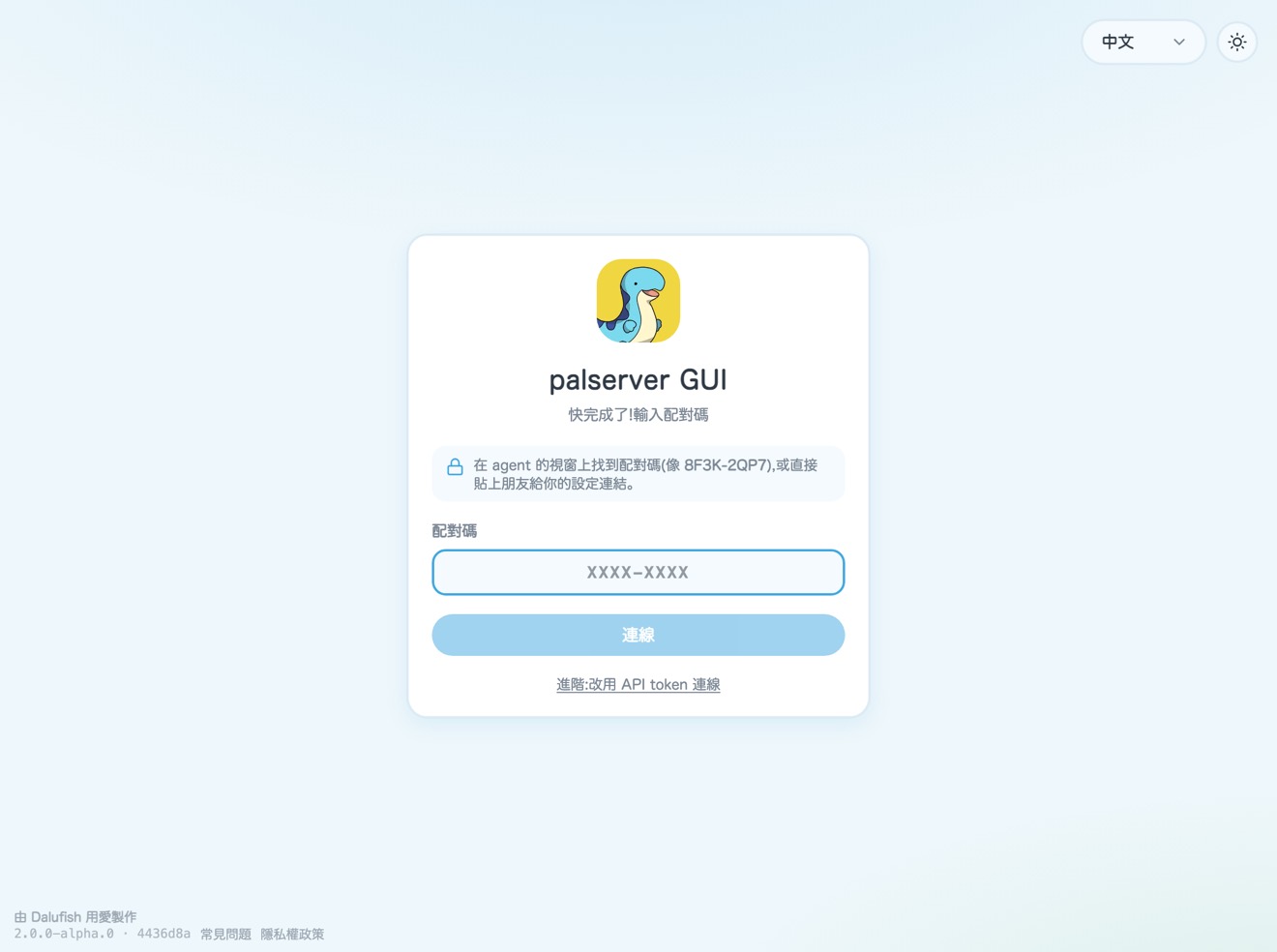
Install palserver GUI on the PC that hosts your server. From then on the management screen is just a web page — on your computer, phone or tablet. The game and saves stay on your own PC; the web page is only a remote control — walk right in at home, or tap a link to connect from anywhere.
connect in one tap
Feature tour
From hosting to firefighting, all on one page.
Every server opens into a full panel: overview, performance, players, map, commands, world settings, engine tuning, mods, pal stats (sponsor), backups, auto-restart, logs — 13 tabs at once, and you can hide any tab you don't need.
Dashboard
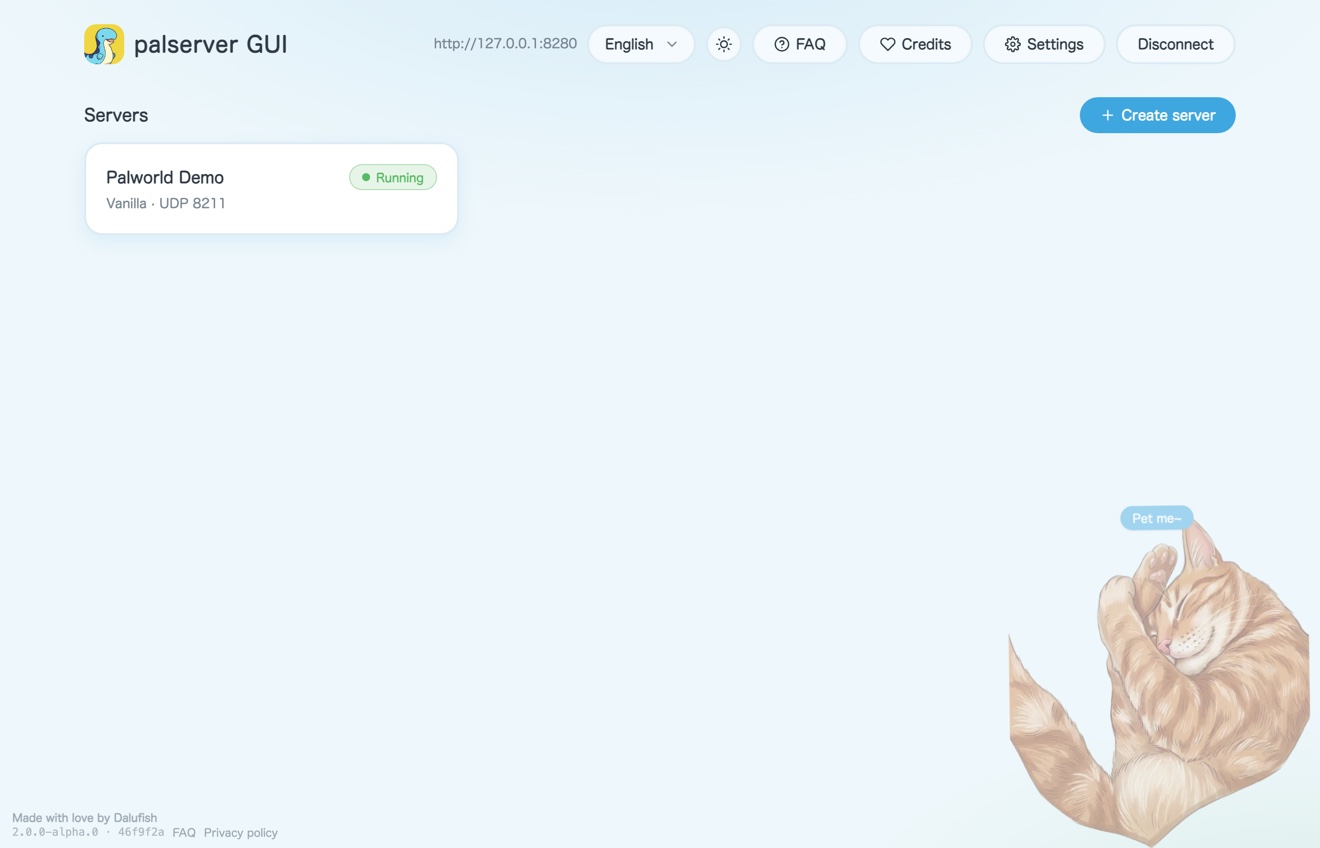
Every server, at a glance
Status, vanilla/modded, game port and update hints all sit on the card — click in for full management.
- Drag to reorder server cards
- Tabs can be shown or hidden per server, and the overview card can be turned off too
Settings & Tuning
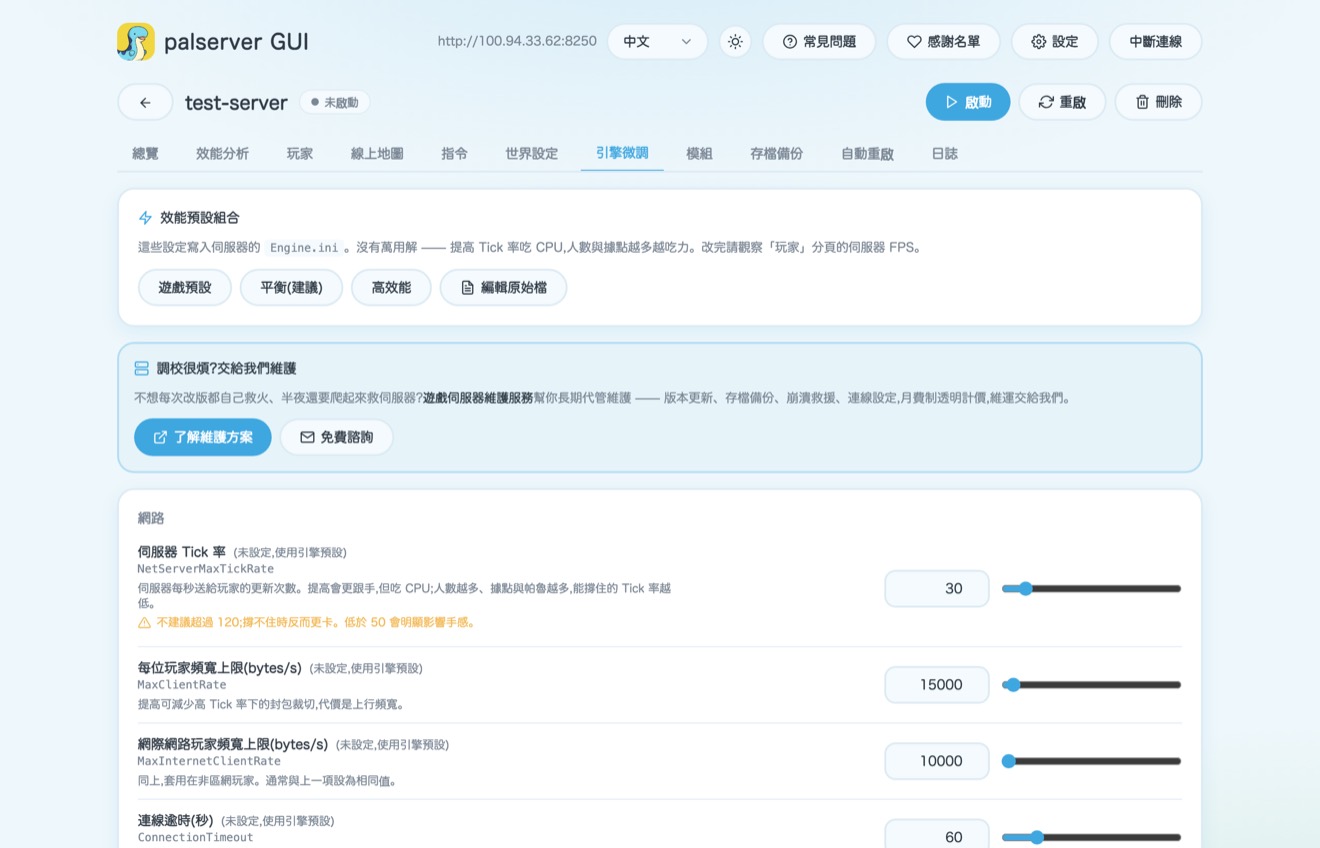
Settings & engine tuning, in plain words
World rules, XP rates, drops and PvP all come with labels and hints; the engine parameters power users want are preset too — apply in one click.
- Each option tells you what higher or lower does
- Saving keeps the keys you added by hand
- Launch options panel: set your own Steam query port and PalDefender REST port, with a check for conflicts
- Edit the login MOTD announcement right from the settings page
Mods
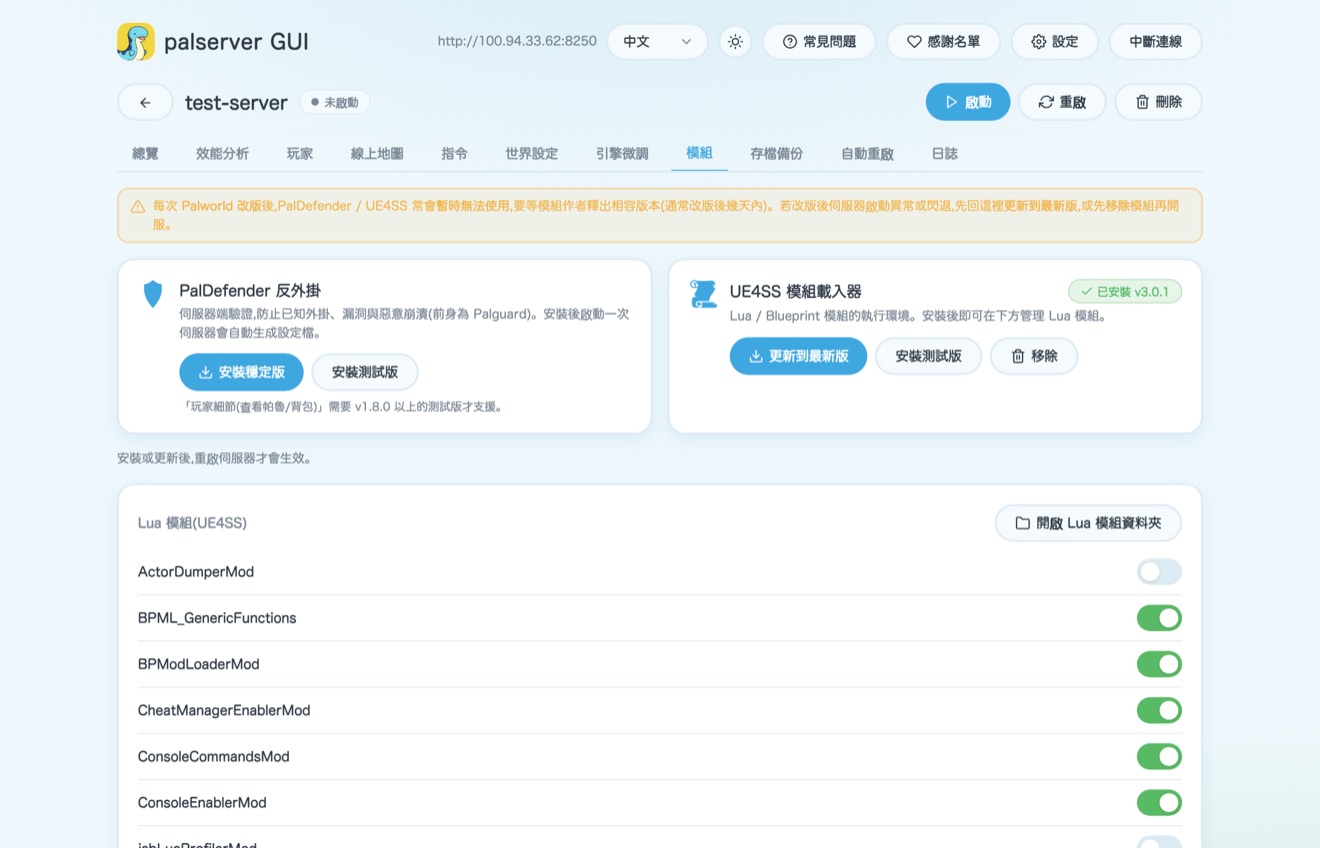
Anti-cheat and mods, one-click
Install, update and remove anti-cheat and the mod loader in one click, with a reminder that "mods may break for a while after a game update". Toggle mods right on screen.
Performance
Live performance, trends at a glance
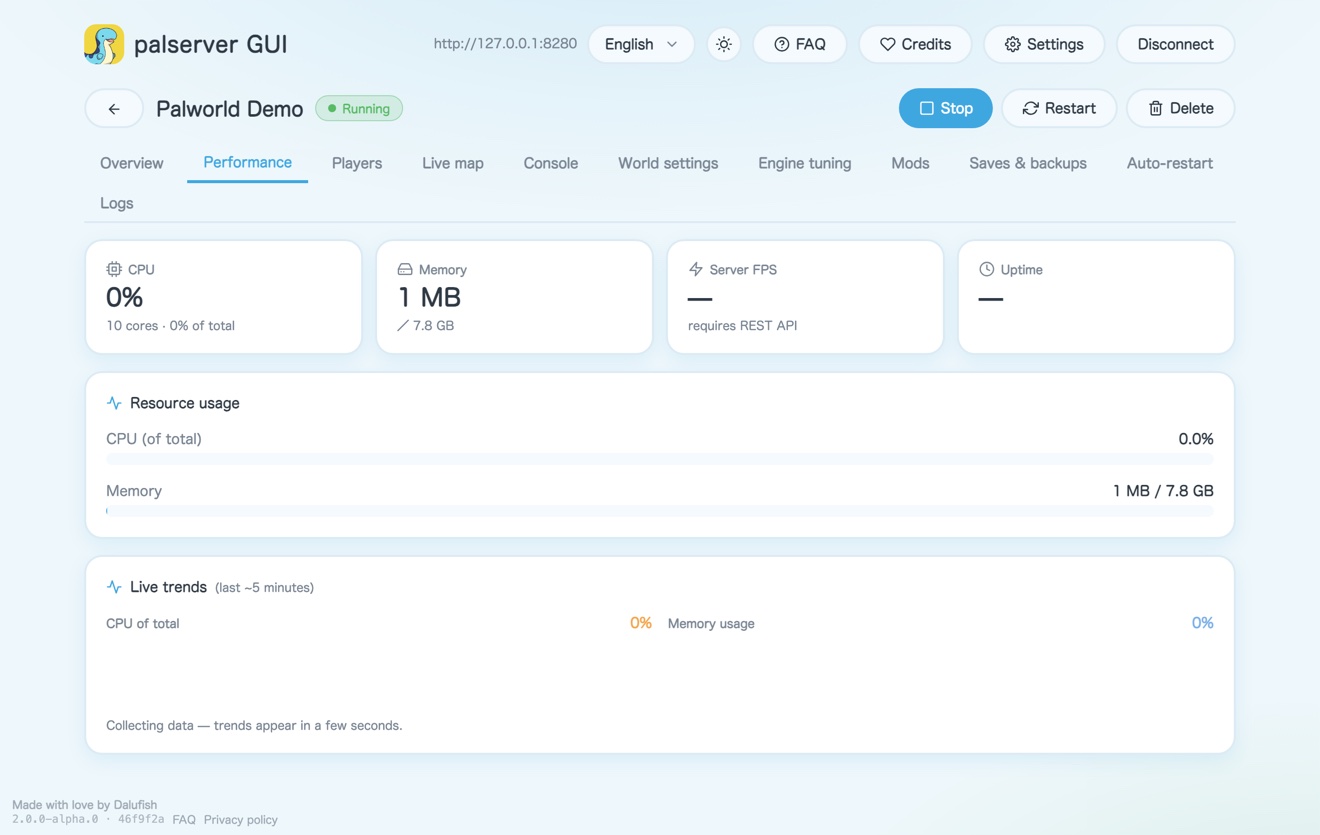
CPU, memory and uptime plus a server smoothness metric, with a live trend chart. When it starts to struggle, you are the first to know.
World settings
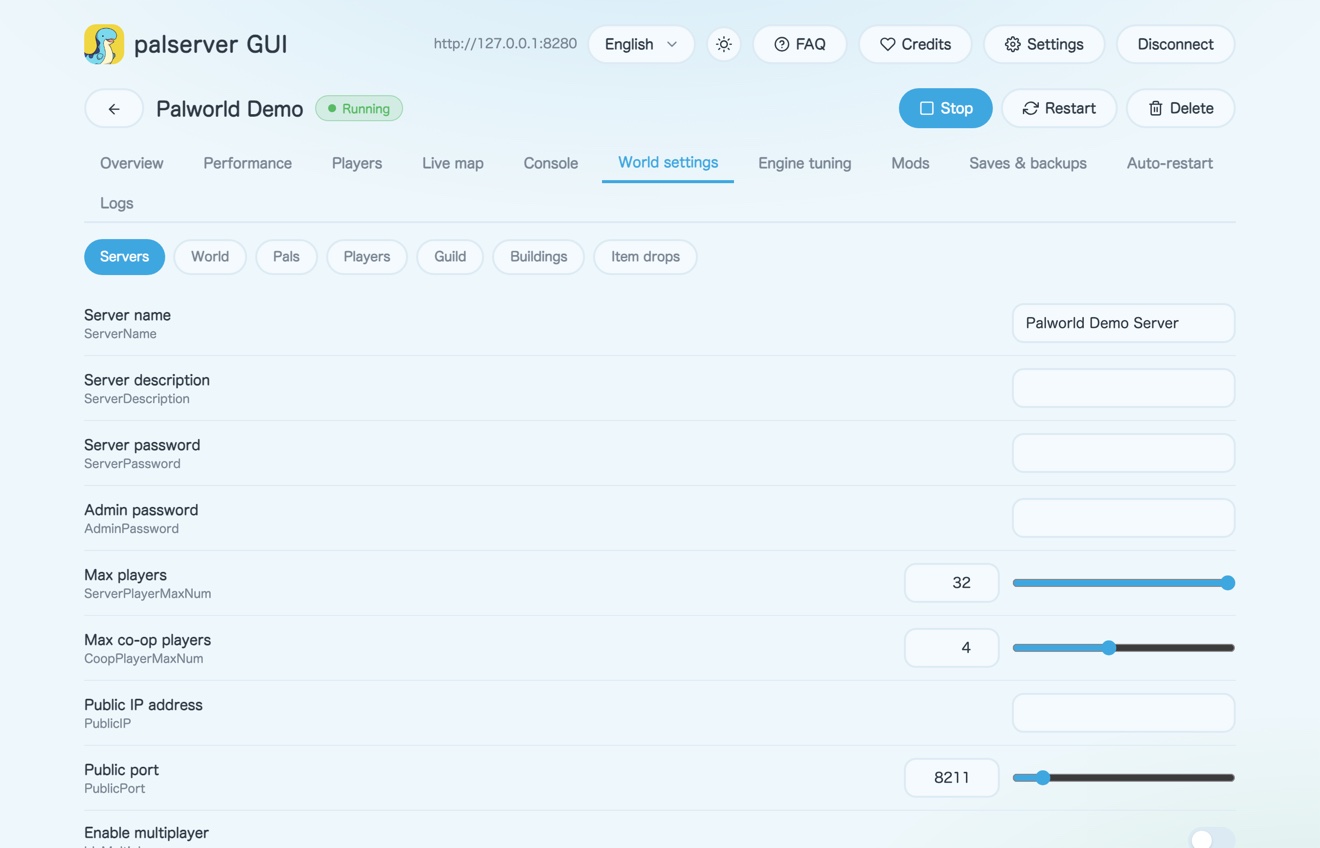
80+ world settings, no file editing
Difficulty, resources, breeding, bases, damage multipliers — all organized into categorized, annotated forms, with a restart reminder when you save. It even detects corrupt saves and rebuilds them in one click.
- Pal and item data updated to Palworld 1.0 (Feybreak)
- Active skill and trait names in Chinese and Japanese too
Multi-device
Switch devices, invite friends, one page
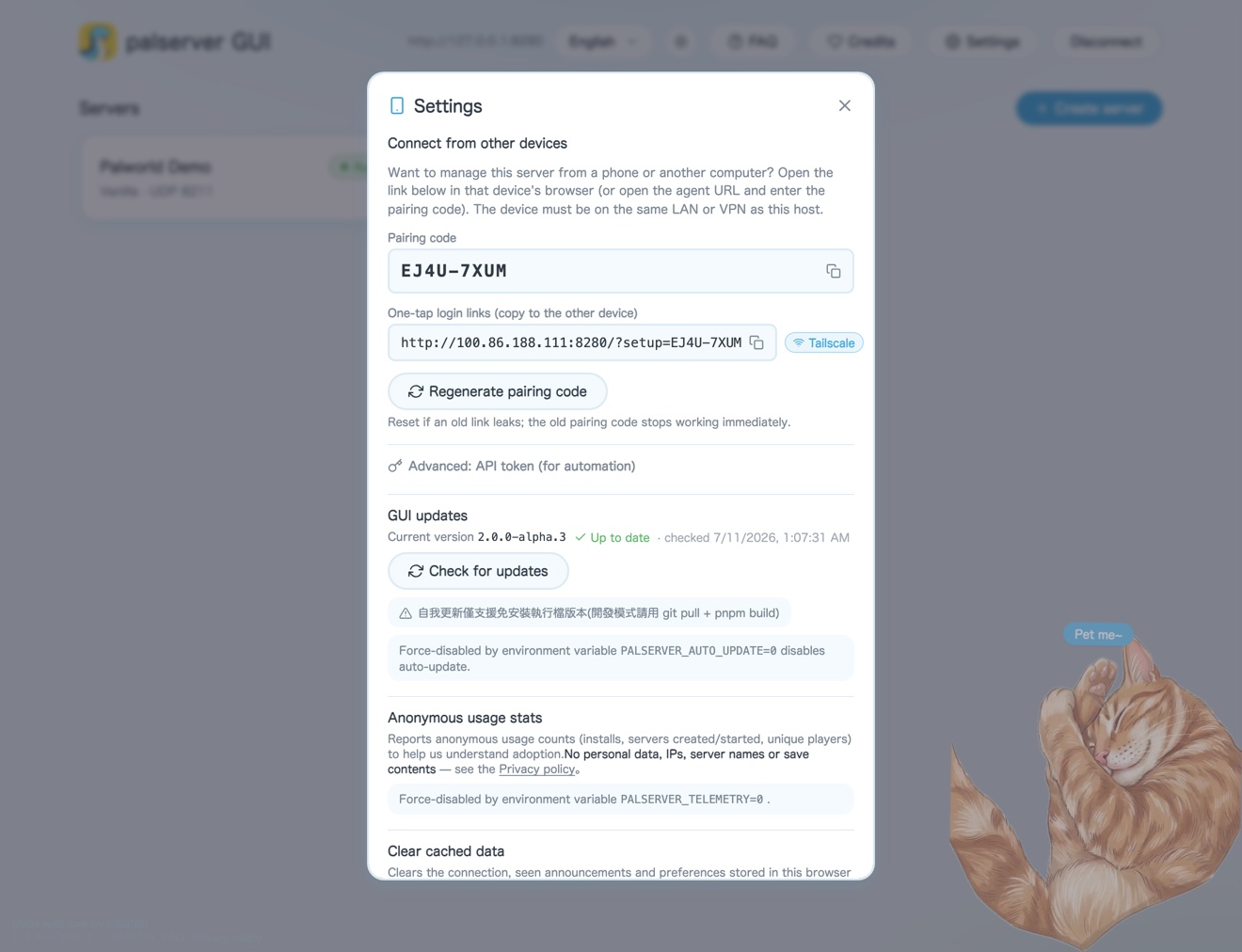
The settings page prepares a "one-tap login link" — copy it to your phone or another PC and just open it; you can also clear the browser cache and reconnect in one click.
New in v2.0.1
Map, themes, sponsor perks — the three big additions this round.
World map
The whole Palworld map, laid out
The full map — Palpagos Islands + Sakurajima + Feybreak — ships built in, no more bringing your own base image. Live player pins, last-known spots for offline players, guild bases, a wild-boss (alpha pal) layer and landmarks are all plotted, with a fullscreen view (/map); any command that needs coordinates lets you just click the map and drop a pin instead of typing numbers.
Theme system
Three themes, light and dark both covered
Palworld classic, Silver (Vercel-style) and Aurora Emerald — each with a light and dark mode — switchable from a theme picker with a live mini preview. Silver and Aurora Emerald are sponsor-exclusive themes.
Sponsor exclusive
Sponsor-exclusive power features
A pal stat editor (HP/attack/defense/capture rate, bosses adjustable separately), teleport a player, bulk-give items, custom pals and guild-base detail views — all unlocked with an active sponsor code.
Right for both kinds of people
Simple for beginners, powerful for veterans.
For beginners
Hosting for the first time
- One-click hosting. Create, start and update all with buttons — no commands, no config files.
- Password-free at home. Open it on your own PC and the management screen is right there — zero setup.
- Inviting friends is effortless. Send one setup link and your friend is connected with a single tap.
- Cute and intuitive. A localized interface with hints — adjust everything with a few clicks.
For power users
The control veterans want
- Native / Docker backends. Run PalServer directly or in a container; adopt an existing install or install into an empty folder. Docker also accepts a custom image, and the k8s backend is always selectable.
- Schema-driven settings. 80+ world settings + Engine.ini tuning, type-consistent, keeping keys it does not manage.
- RCON console + mods. Built-in RCON; one-click install/update/remove of PalDefender / UE4SS, with a configurable PalDefender REST port.
- Backup scheduling & migration. Scheduled tar.gz backups, one-click restore, cross-source save migration, REST API proxy.
Grown up alongside the community
You wished for it — we built it.
palserver GUI started as a little "too lazy to edit config files" tool. Over two years, the community's requests got ticked off one by one.
Start in three steps
Download, run, open your browser.
No environment to install first, no command line. The no-install executable bundles everything it needs.
Download
Grab the file for your system from the download page and unzip it.
Double-click to run
The window shows your management URL and the link to invite friends — just leave it open.
Open your browser
Click the management URL in the window, go in, and start your first server.
Thoughtful for the detail-minded
We even thought out the "welcome message" for you.
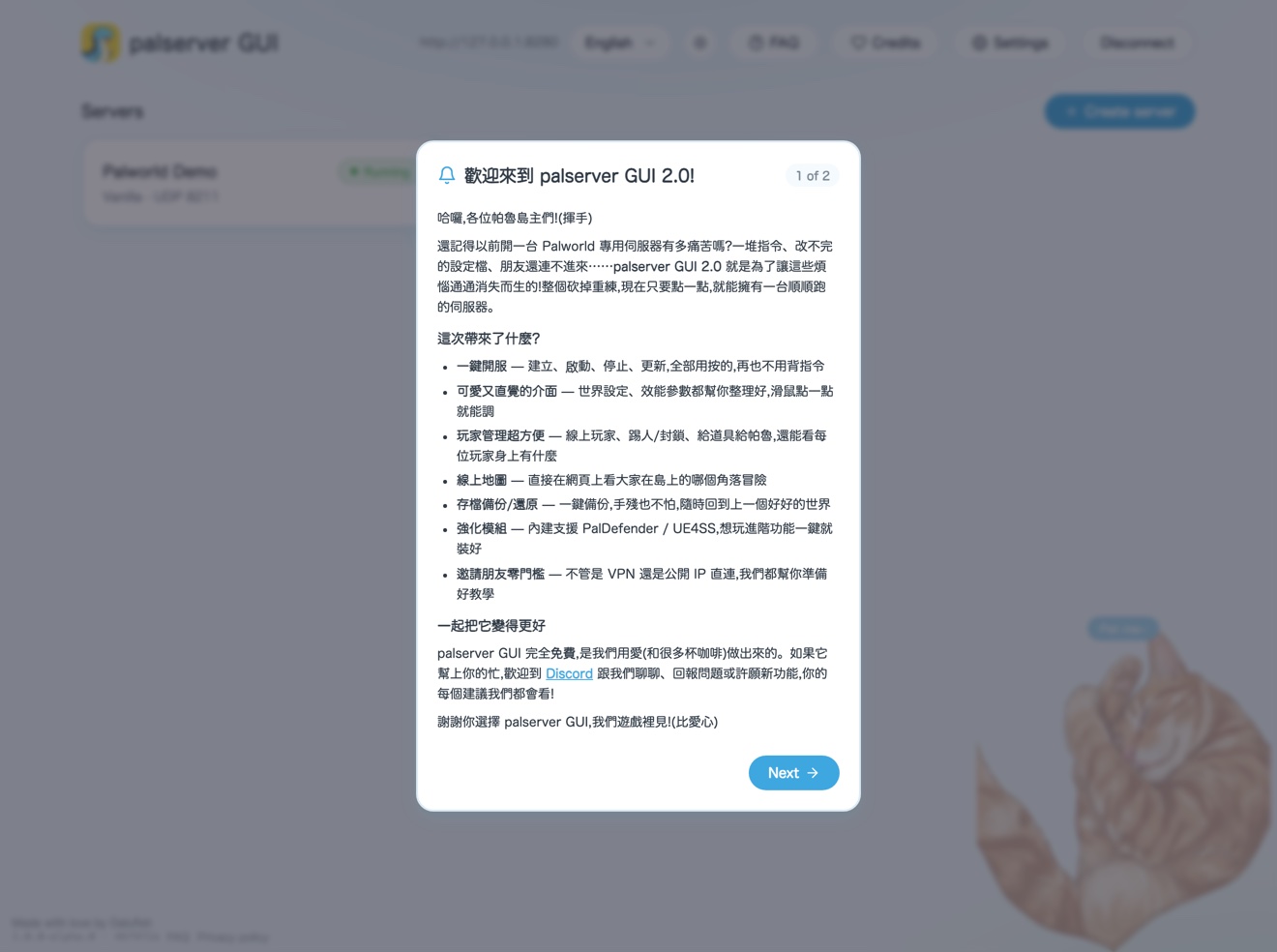
A built-in announcement system, corrupt-save detection with one-click rebuild, auto-restart (scheduled / memory threshold / crash recovery), site-wide player-ID masking, a full world map (Palpagos Islands + Sakurajima + Feybreak, with a fullscreen view), three themes × light/dark, three interface languages — plenty of little touches you'll thank us for later.
Who made it
A group of Palworld fans, maintaining it with love.
palserver GUI is completely free and open source, maintained by a core team. If you like it, a cup of coffee is the best encouragement.
Get started
Leave the hassle of hosting to palserver GUI.
Completely free and open source. If you like it, star us on GitHub and come chat on Discord.